Trigger Bot Flow via WhatChimp API
Trigger bot flows for subscribers from external systems via API
Updated 10 February 2026
Trigger a specific bot flow for any subscriber programmatically — start automated conversations from your CRM, website, or any external system.
Before you begin: Make sure you have your WhatChimp API credentials ready.
Video: https://www.youtube.com/watch?v=A3evOF5xIho
Endpoint
GET/POST /api/v1/whatsapp/trigger-bot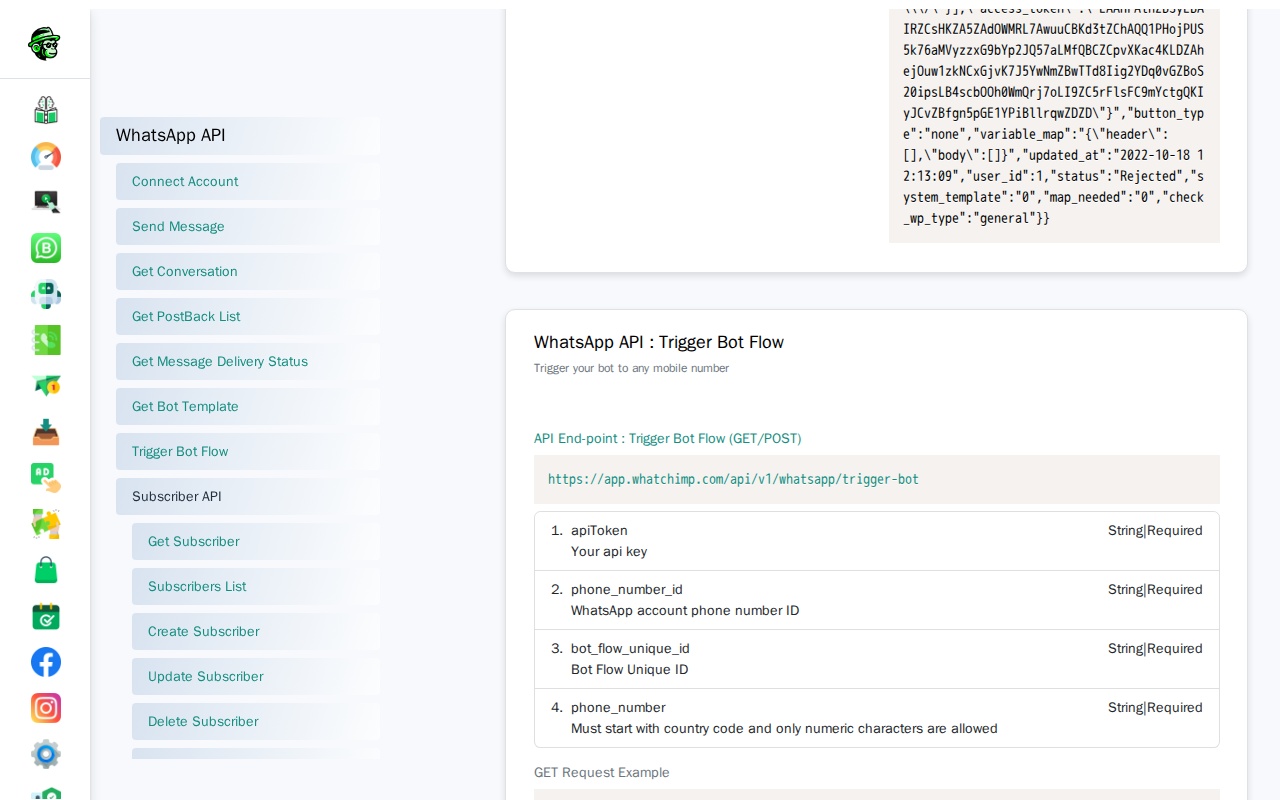
Parameters
| Parameter | Type | Required | Description |
|---|---|---|---|
apiToken | String | Yes | Your WhatChimp API token |
phone_number_id | String | Yes | Your WhatsApp Business phone number ID |
bot_flow_unique_id | String | Yes | Unique ID of the bot flow to trigger |
phone_number | String | Yes | Recipient's phone number with country code |
Tip: Find the bot_flow_unique_id in your WhatChimp dashboard under Bot Manager. Each bot flow has a unique ID you can copy.
Request Examples
GET Request:
curl -X GET "https://app.whatchimp.com/api/v1/whatsapp/trigger-bot?apiToken=API-KEY&phone_number_id=PHONE-NUMBER-ID&bot_flow_unique_id=BOT-FLOW-ID&phone_number=1234567890"POST Request (cURL):
curl -X POST https://app.whatchimp.com/api/v1/whatsapp/trigger-bot \
  -H "Content-Type: application/json" \
  -d '{
    "apiToken": "API-KEY",
    "phone_number_id": "PHONE-NUMBER-ID",
    "bot_flow_unique_id": "BOT-FLOW-ID",
    "phone_number": "1234567890"
  }'
Response
Success Response:
{
  "status": "1",
  "message": "Bot has been trigger successfully."
}
Use Cases
- Trigger onboarding flows for new signups
- Start follow-up sequences after purchase
- Re-engage inactive subscribers
- Connect external events (form submissions, payments) to WhatsApp bot flows
- Automate customer support workflows based on CRM data