Get Template List via WhatChimp API
Retrieve all WhatsApp templates with approval status and button types
Updated 10 February 2026
Retrieve all WhatsApp message templates associated with your phone number — check approval status, view template variables, and inspect button types before sending messages.
Before you begin: Make sure you have your WhatChimp API credentials ready.
Endpoint
GET/POST /api/v1/whatsapp/template/list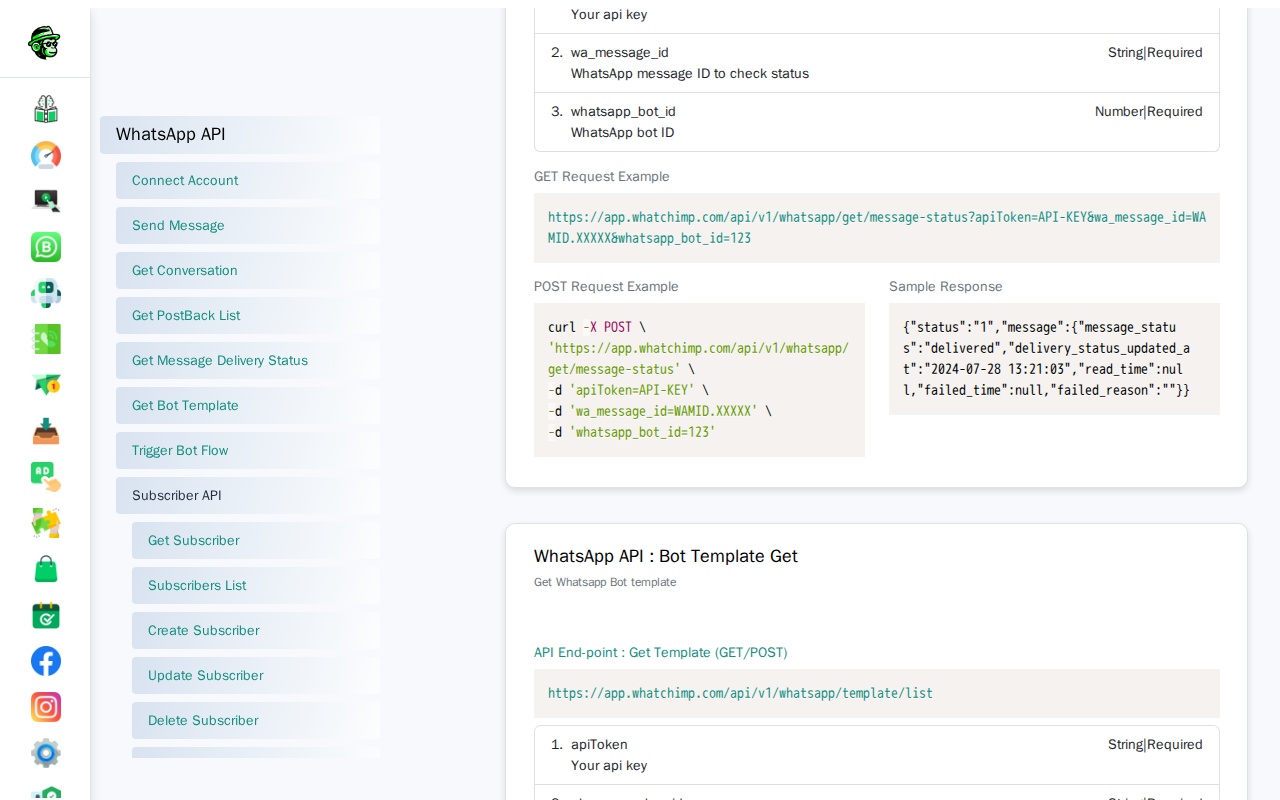
Parameters
| Parameter | Type | Required | Description |
|---|---|---|---|
apiToken | String | Yes | Your WhatChimp API token |
phone_number_id | String | Yes | Your WhatsApp Business phone number ID |
Request Examples
GET Request:
curl -X GET "https://app.whatchimp.com/api/v1/whatsapp/template/list?apiToken=API-KEY&phone_number_id=PHONE-NUMBER-ID"POST Request (cURL):
curl -X POST https://app.whatchimp.com/api/v1/whatsapp/template/list \
  -H "Content-Type: application/json" \
  -d '{
    "apiToken": "API-KEY",
    "phone_number_id": "PHONE-NUMBER-ID"
  }'
Response
Success Response:
{
  "status": "1",
  "message": {
    "id": 48,
    "template_id": "437509121867805",
    "template_name": "ada",
    "template_type": "single",
    "locale": "en_US",
    "header_type": "media",
    "header_subtype": "image",
    "body_content": "To send an interactive message template...",
    "button_type": "none",
    "status": "Rejected"
  }
}
Response Fields
| Field | Description |
|---|---|
id | WhatChimp's internal template ID (use this when sending templates via API) |
template_id | Meta's internal template ID |
template_name | Name of the template |
locale | Language code (e.g., en_US, es_ES) |
header_type | Header type: text, media, or none |
body_content | The message body text |
button_type | Button type: quick_reply, call_to_action, or none |
status | Approval status: Approved, Rejected, or Pending |
variable_map | Map of template variables |
Important: Use the id field (not template_id) when sending templates via API. The template_id is Meta's internal ID.
Use Cases
- Check which templates are approved before sending
- Find template_id for the send API
- Inspect button_type and variable_map before constructing messages
- Validate template status programmatically