WhatChimp API ke zariye Template List prapt karein
Approval status aur button types ke saath sabhi WhatsApp templates retrieve karein
Updated 10 February 2026
Apne phone number se judi sabhi WhatsApp message templates retrieve karein — approval status check karein, template variables dekhein, aur messages bhejne se pehle button types inspect karein.
Shuru karne se pehle: Apne WhatChimp API credentials taiyar rakhein.
Endpoint
GET/POST /api/v1/whatsapp/template/list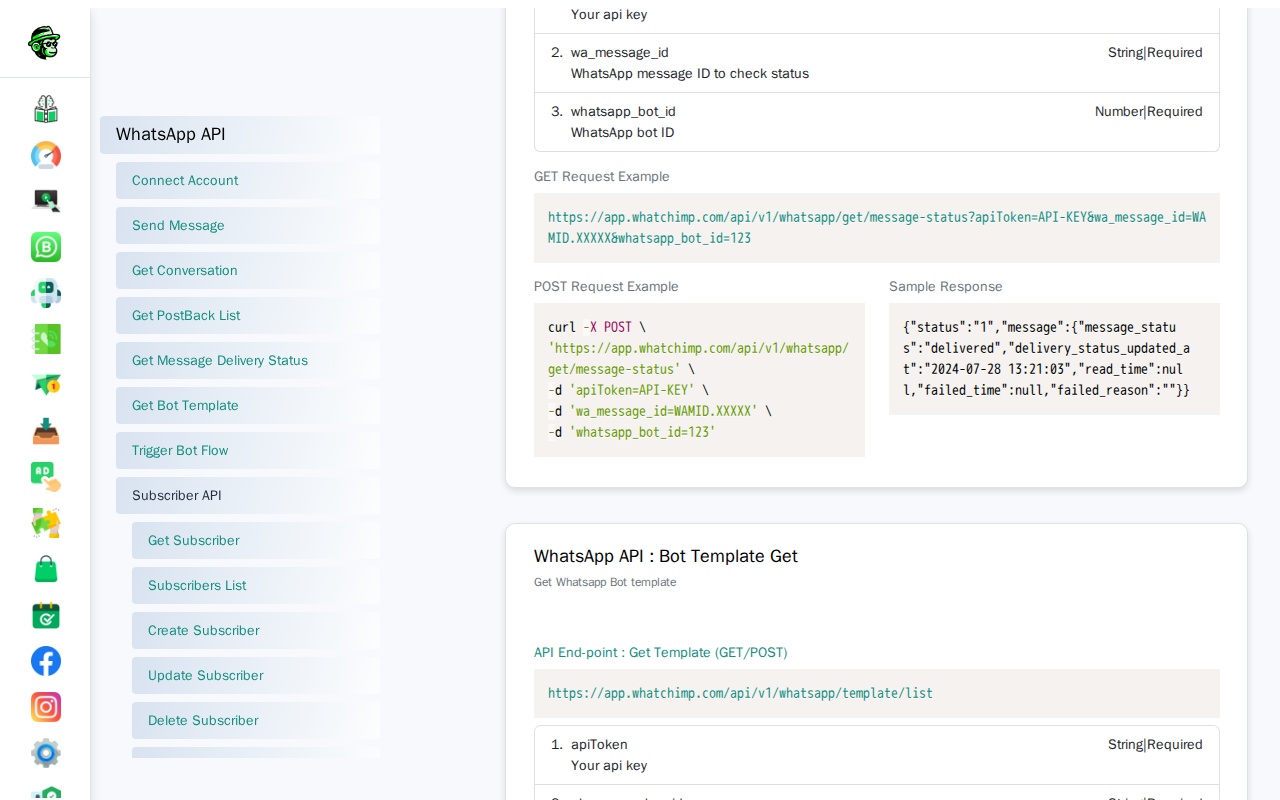
Parameters
| Parameter | Type | Required | Description |
|---|---|---|---|
apiToken | String | Haan | Aapka WhatChimp API token |
phone_number_id | String | Haan | Aapki WhatsApp Business phone number ID |
Request Examples
GET Request:
curl -X GET "https://app.whatchimp.com/api/v1/whatsapp/template/list?apiToken=API-KEY&phone_number_id=PHONE-NUMBER-ID"POST Request (cURL):
curl -X POST https://app.whatchimp.com/api/v1/whatsapp/template/list \
  -H "Content-Type: application/json" \
  -d '{
    "apiToken": "API-KEY",
    "phone_number_id": "PHONE-NUMBER-ID"
  }'
Response
Success Response:
{
  "status": "1",
  "message": {
    "id": 48,
    "template_id": "437509121867805",
    "template_name": "ada",
    "template_type": "single",
    "locale": "en_US",
    "header_type": "media",
    "header_subtype": "image",
    "body_content": "To send an interactive message template...",
    "button_type": "none",
    "status": "Rejected"
  }
}
Response Fields
| Field | Description |
|---|---|
id | WhatChimp ki internal template ID (API ke zariye templates bhejte waqt iska use karein) |
template_id | Meta ki internal template ID |
template_name | Template ka naam |
locale | Language code (jaise, en_US, es_ES) |
header_type | Header type: text, media, ya none |
body_content | Message body ka text |
button_type | Button type: quick_reply, call_to_action, ya none |
status | Approval status: Approved, Rejected, ya Pending |
variable_map | Template variables ka map |
Important: API ke zariye templates bhejte waqt id field ka use karein (template_id ka nahi). template_id Meta ki internal ID hai.
Use Cases
- Bhejne se pehle check karein ki kaun se templates approved hain
- Send API ke liye template_id dhoondhein
- Messages construct karne se pehle button_type aur variable_map inspect karein
- Template status ko programmatically validate karein