How to Create a Facebook Business Manager Account for WhatChimp
Step-by-step guide to creating a Facebook Business Manager account so you can unlock full WhatsApp Business API access in WhatChimp.
Updated 16 June 2026
A Facebook Business Manager account is your gateway to unlocking full WhatsApp Business API capabilities. Without verification, you're limited to messaging only 250 users at a time.
Why You Need a Business Manager Account
- Access unlimited messaging tiers
- Complete WhatsApp Business API integration
- Professional business communication platform
Prerequisites
Before you begin, ensure you have:
- An active Facebook personal account
- A business email address
- Basic business information
Step-by-Step Account Creation
Start Your Registration
Visit Facebook Business Manager Signup
Click "Log in with Facebook"
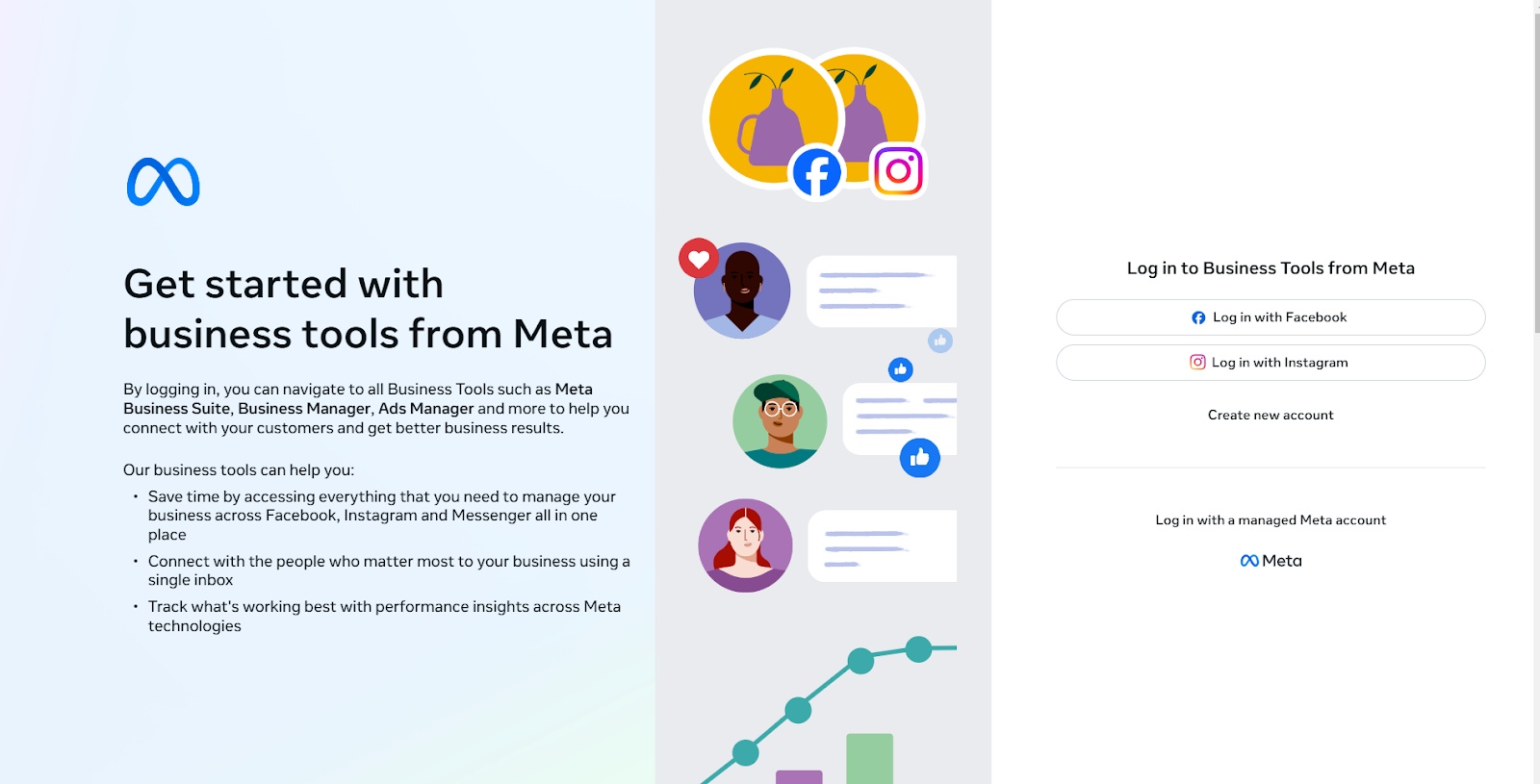 The Facebook Business Manager signup page
Log in with Your Credentials
- Use your existing Facebook account
- Ensure you're using the account you want to link with your business
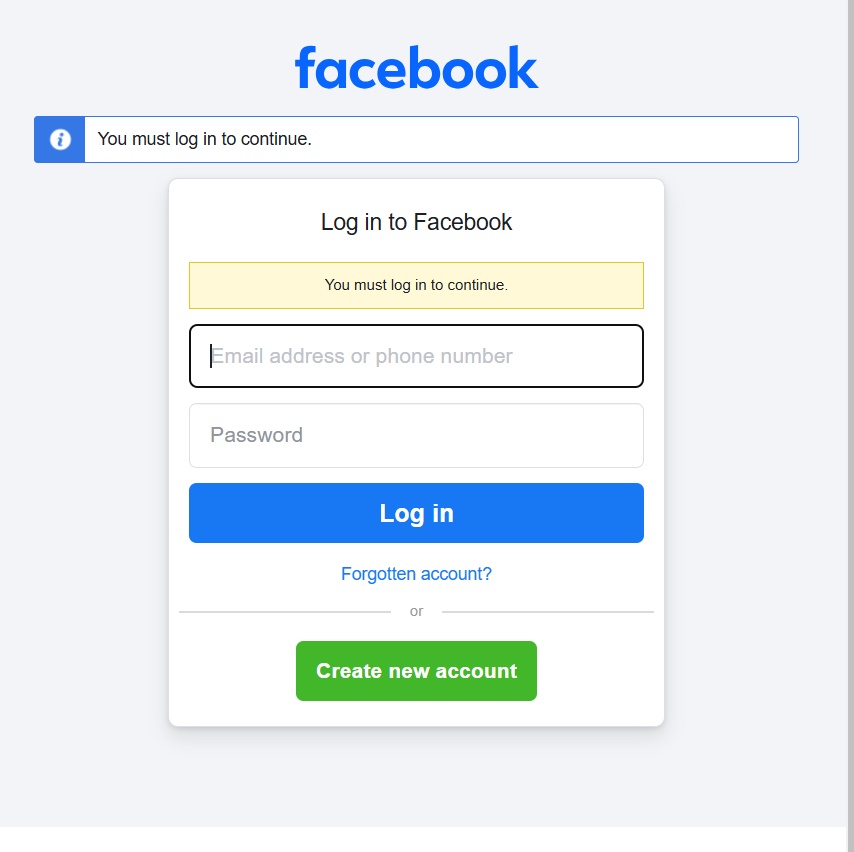 Log in with your existing Facebook account
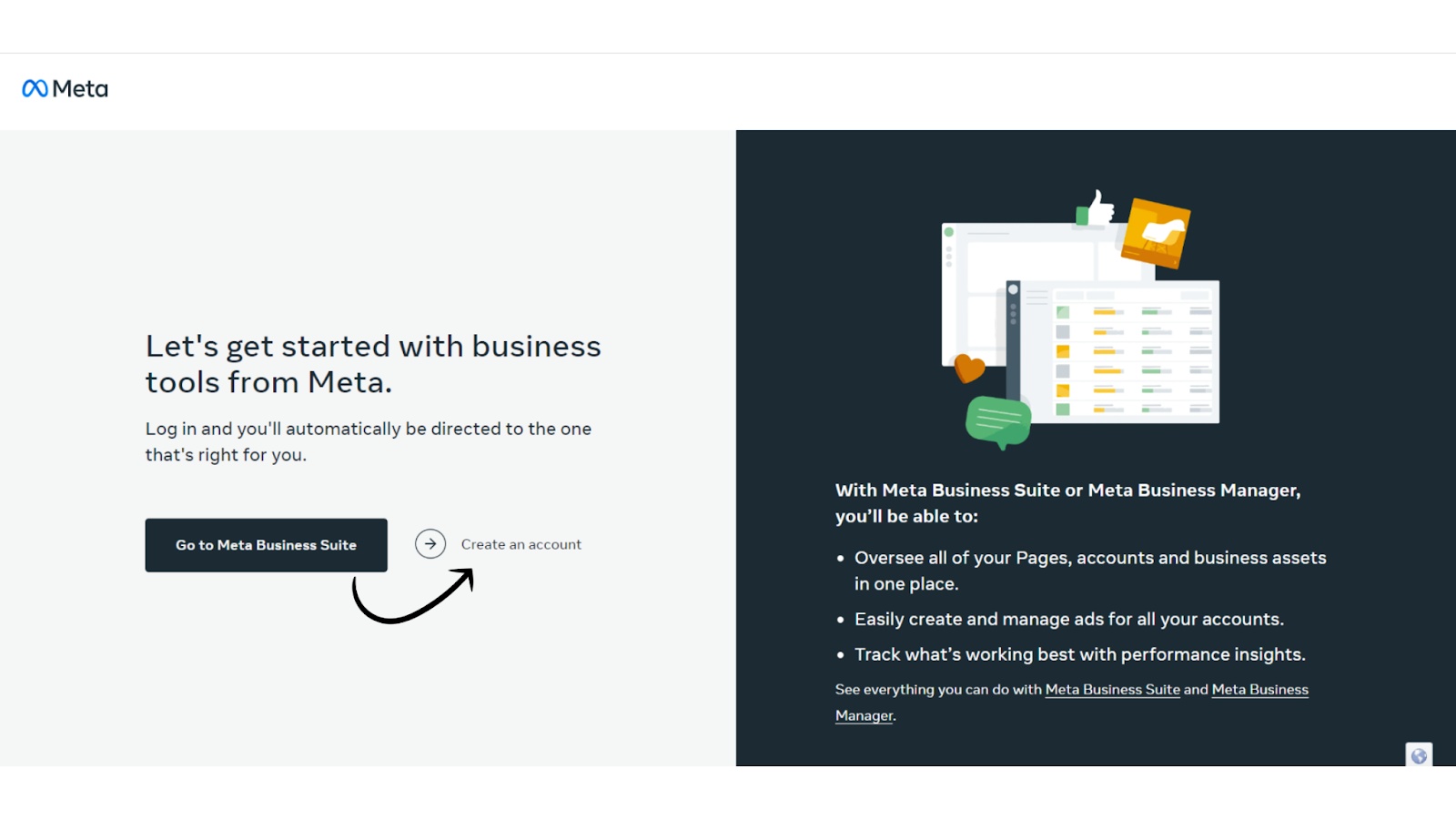 Confirm the account to link with your business
Enter Your Business Details
- Business Name
- Full Name
- Business Email Address
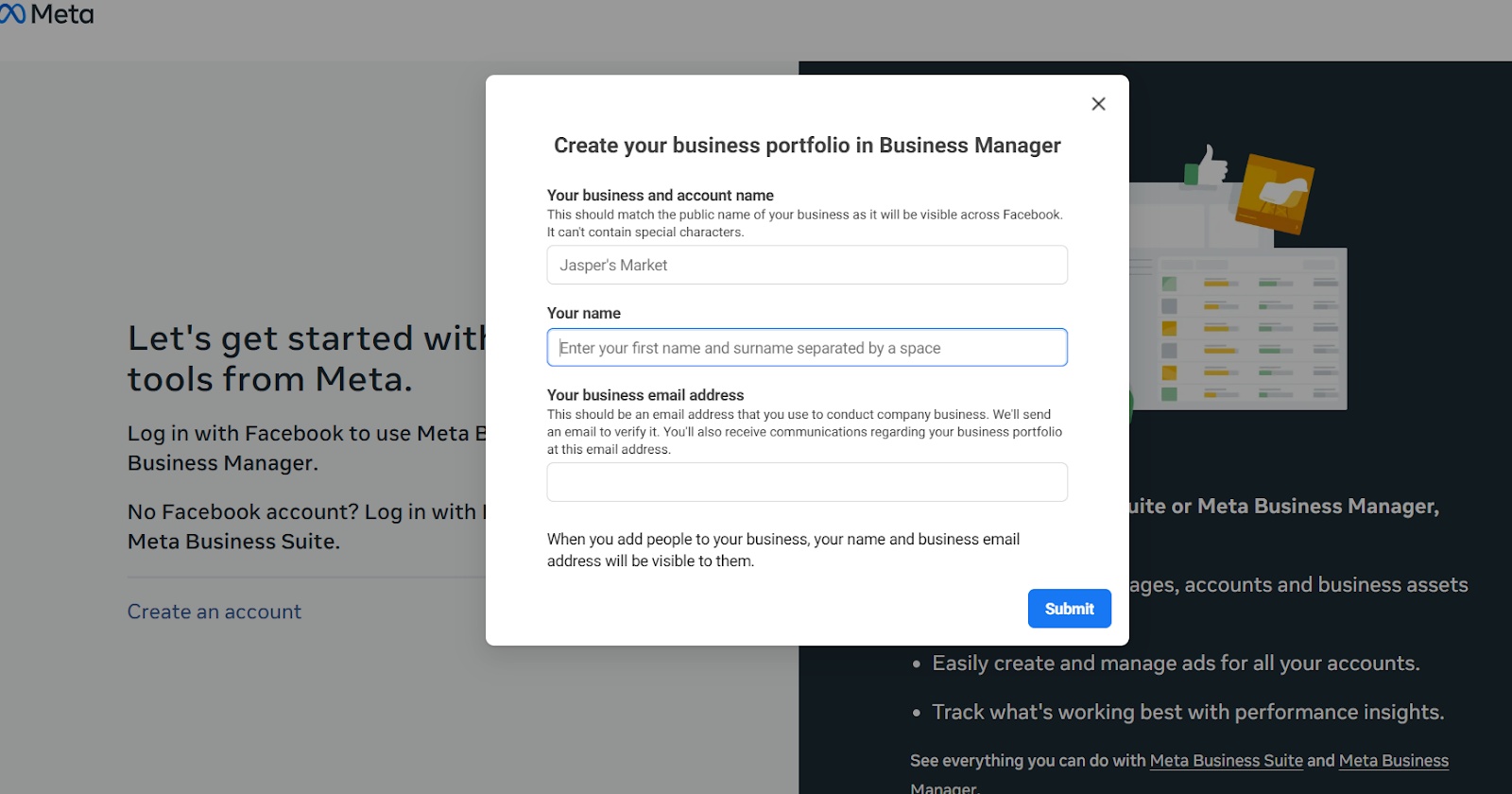 Enter your business name, full name, and business email
Verify Your Email
- Check your email inbox
- Click "Confirm Now" in the verification email
- Complete the confirmation process
Set Up Business Settings
- Navigate to Business Settings
- Prepare for account verification
Verification Process
- Gather official business documents
- Provide accurate business information
- Be prepared for additional verification steps if requested
Common Challenges & Solutions
- Incorrect email usage: use a business email instead of a personal one
- Incomplete business information: double-check all details before submitting
- Multiple account complications: avoid creating multiple Business Manager accounts for the same business
Next Steps After Account Creation
- Set up your business profile
- Add team members
- Prepare for the WhatsApp API application
Frequently Asked Questions (FAQs)
Q: Can I use a personal email? It is recommended to use a business email address
Q: What if I make a mistake? You can edit most information in Business Settings
Pro Tips from WhatChimp
- Double-check all entered information before submitting
- Use an email you regularly check
- Keep business documents handy for verification