eCommerce Catalog ka Introduction
WhatsApp ke andar seedhe products bechiye — seekhiye ki catalog kaise kaam karta hai start se end tak
Updated 9 February 2026
Video: https://www.youtube.com/watch?v=hc5-SIQSaDM
WhatChimp ka eCommerce Catalog aapko WhatsApp ke andar seedhe products bechne ki suvidha deta hai. Aapke customers categories browse kar sakte hain, product details dekh sakte hain, aur orders place kar sakte hain — sab kuch chat se bahar nikle bina. WhatChimp ke chatbot ke saath mil kar, aap poori shopping experience ko automate kar sakte hain product discovery se lekar checkout tak.
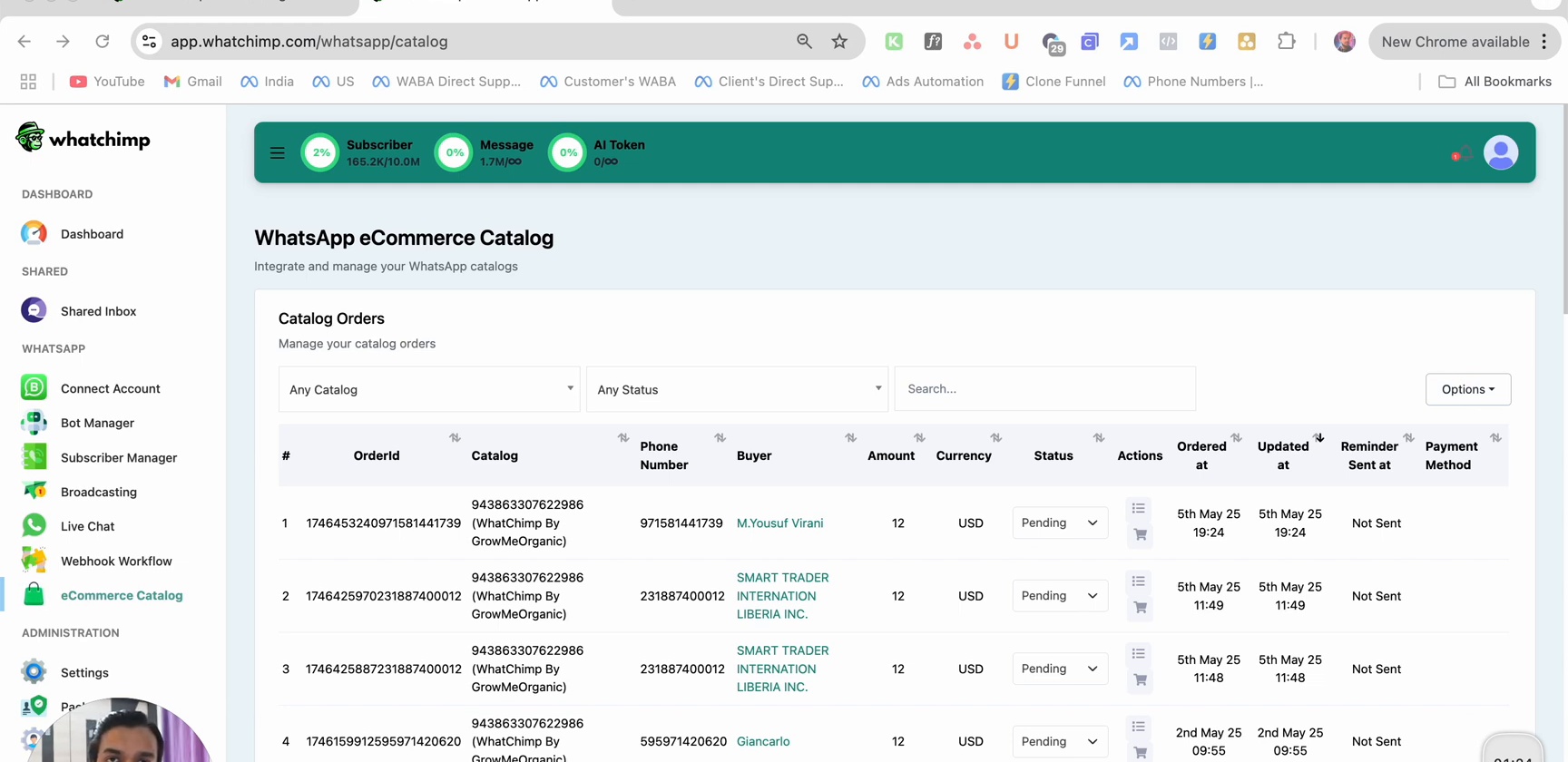
Kaise Kaam Karta Hai
Aapke WhatsApp catalog ko set up karne mein teen steps hain:
| Step | Aap Kya Karte Hain | Kahan |
|---|---|---|
| 1 | Product catalog create karein | Meta Commerce Manager |
| 2 | Catalog ko WhatsApp se connect karein | WhatChimp + Meta WhatsApp Manager |
| 3 | Products showcase karne ke liye chatbot banayein | WhatChimp Bot Manager |
Ek baar set up ho jane ke baad, customers aapke catalog ke saath WhatsApp ke through interact kar sakte hain — categories browse karte hue, products dekhte hue, aur orders automatically place karte hue.
Aapke Customers Kya Dekhte Hain
Jab koi customer aapke WhatsApp number par message karta hai, chatbot unhe aapke product catalog ke through guide karta hai.
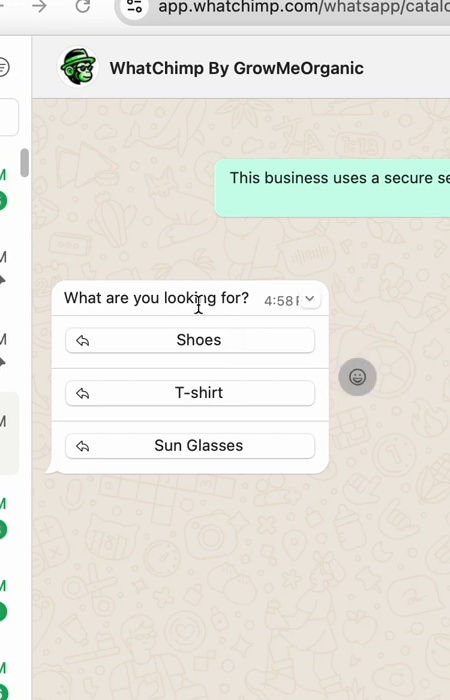
Category Selection
Chatbot poochta hai ki wo kya dhoondh rahe hain aur interactive category buttons dikhata hai. Customers bas tap karke choose kar lete hain.
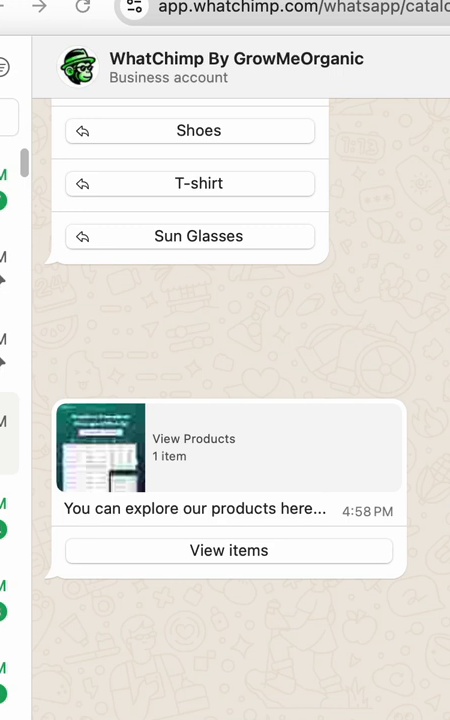
Product Card aur Browse
Category select karne ke baad, chatbot ek product card bhejta hai jismein image, price, aur ek View Items button hota hai. Isko tap karne par product catalog seedhe WhatsApp ke andar khul jata hai.
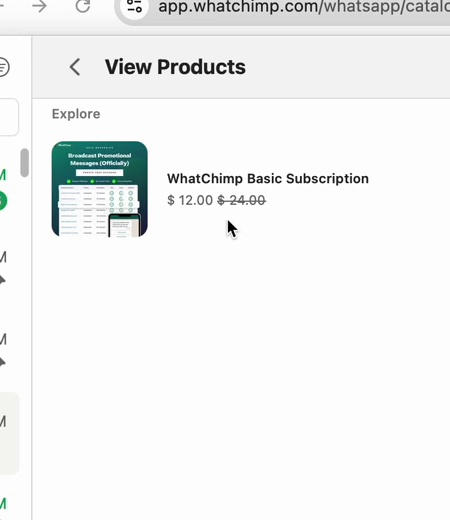
Product Listing
Product listing selected category mein sabhi items ko images, names, aur prices ke saath dikhati hai.
Product Details
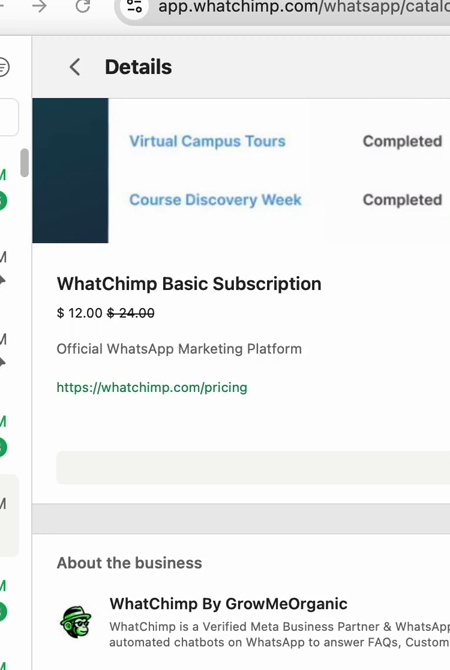
Kisi product ko tap karne par uska detail page khulta hai jismein poori description, pricing, aur cart mein add karne ka option hota hai.
Agle Steps
- Meta mein Product Catalog Create Karein — Meta Commerce Manager mein apna product catalog set up karein
- Apne Catalog ko WhatsApp ke Saath Connect Karein — Apne catalog ko apne WhatsApp number se link karein
- Chatbot mein Products Showcase Karein — Ek chatbot banayein jo aapke products customers ko dikhata hai
- Orders aur Payment Settings Manage Karein — Orders handle karein, payments configure karein, aur Google Sheets mein export karein