Introduction to eCommerce Catalog
Sell products directly inside WhatsApp — learn how the catalog works end-to-end
Updated 9 February 2026
Video: https://www.youtube.com/watch?v=hc5-SIQSaDM
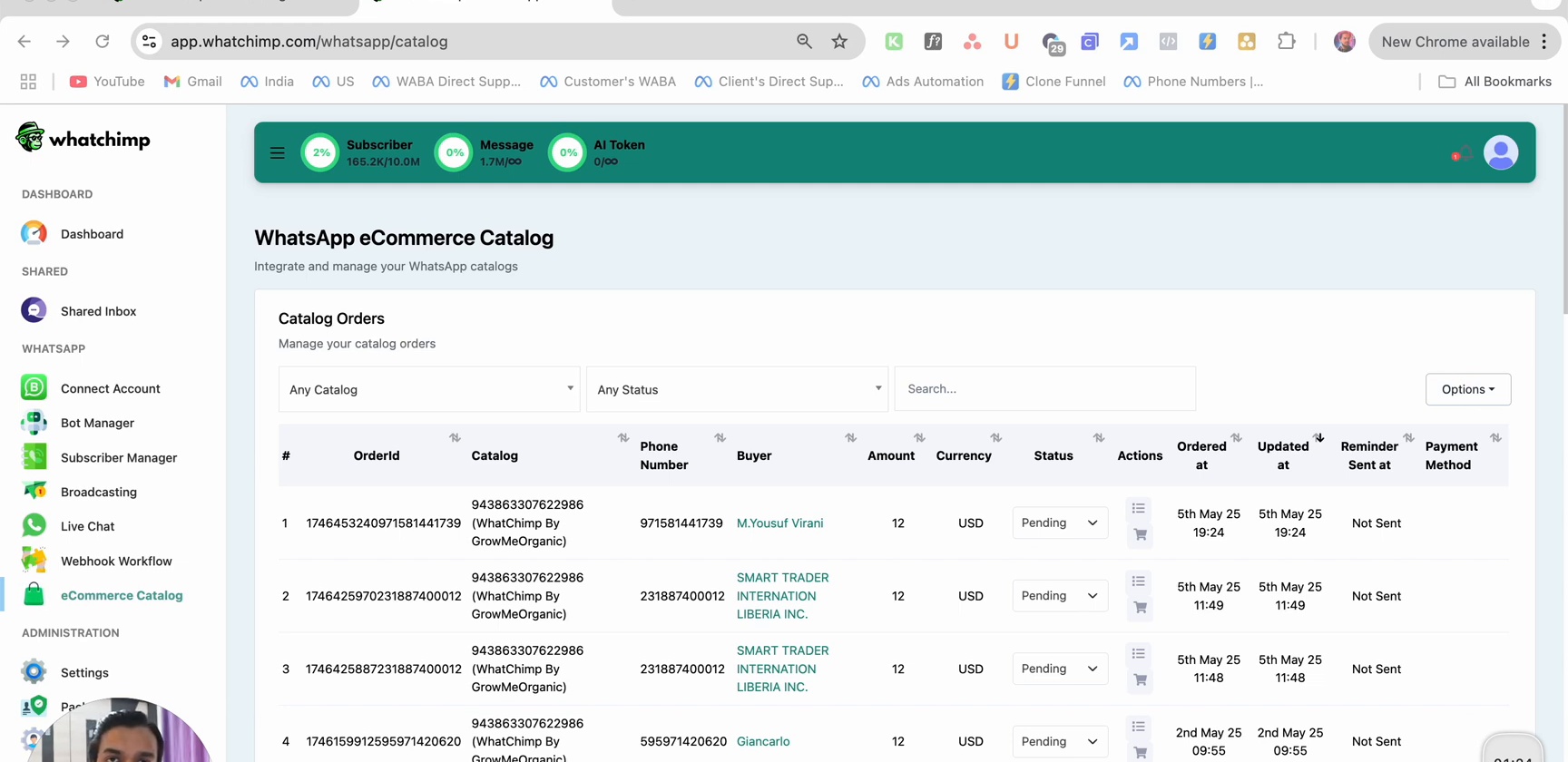
WhatChimp's eCommerce Catalog lets you sell products directly inside WhatsApp. Your customers can browse categories, view product details, and place orders — all without leaving the chat. Combined with WhatChimp's chatbot, you can automate the entire shopping experience from product discovery to checkout.
How It Works
Setting up your WhatsApp catalog involves three steps:
| Step | What You Do | Where |
|---|---|---|
| 1 | Create a product catalog | Meta Commerce Manager |
| 2 | Connect the catalog to WhatsApp | WhatChimp + Meta WhatsApp Manager |
| 3 | Build a chatbot to showcase products | WhatChimp Bot Manager |
Once set up, customers can interact with your catalog through WhatsApp — browsing categories, viewing products, and placing orders automatically.
What Your Customers See
When a customer messages your WhatsApp number, the chatbot guides them through your product catalog.
Category Selection
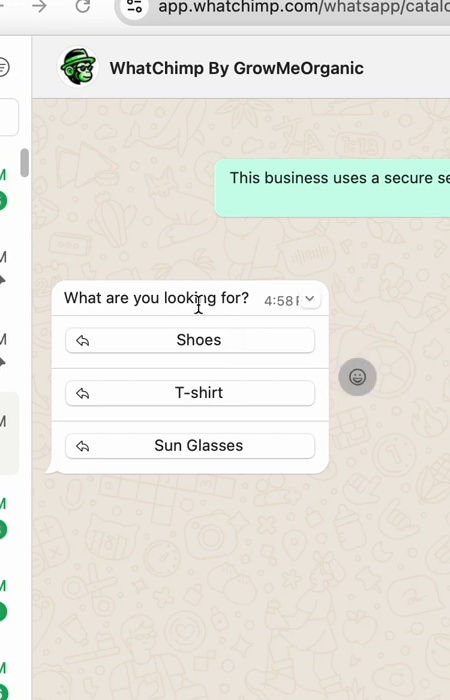
The chatbot asks what they're looking for and shows interactive category buttons. Customers simply tap to choose.
Product Card and Browse
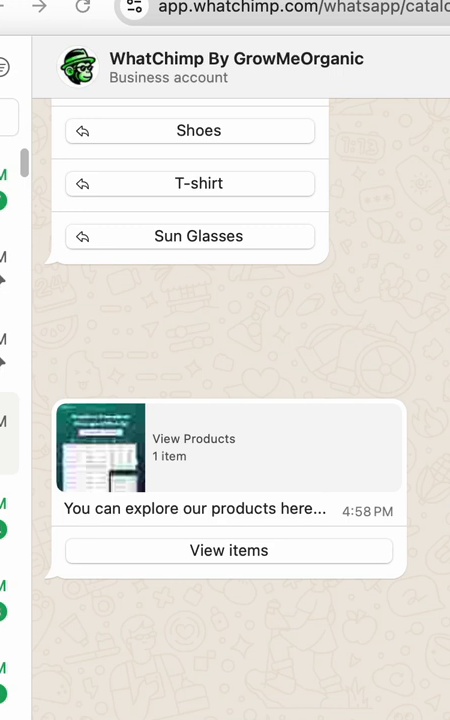
After selecting a category, the chatbot sends a product card with an image, price, and a View Items button. Tapping it opens the product catalog directly inside WhatsApp.
Product Listing
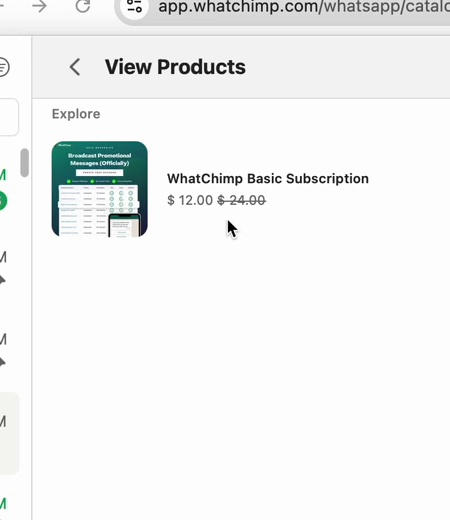
The product listing shows all items in the selected category with images, names, and prices.
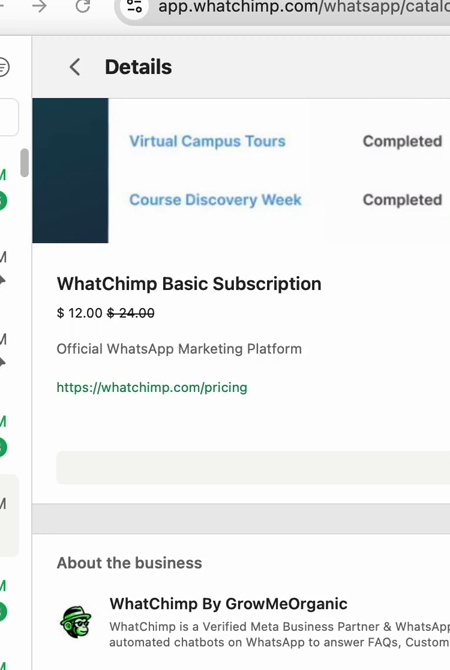
Product Details
Tapping a product opens its detail page with the full description, pricing, and an option to add it to cart.
Next Steps
- Create a Product Catalog in Meta — Set up your product catalog in Meta Commerce Manager
- Connect Your Catalog with WhatsApp — Link your catalog to your WhatsApp number
- Showcase Products in a Chatbot — Build a chatbot that displays your products to customers
- Manage Orders & Payment Settings — Handle orders, configure payments, and export to Google Sheets