WhatsApp vs WhatsApp Business vs WhatsApp Business API
Guide: WhatsApp vs WhatsApp Business vs WhatsApp Business API: Which One Does Your Business Actually Need?
Updated 10 February 2026
You're already using WhatsApp to talk to customers? That's a great start.
But not all WhatsApp versions work the same. And if you're using the wrong one, you're likely doing too much work by hand.
At WhatChimp, we often see business owners using the normal WhatsApp or the free Business app, trying to reply to every message themselves while other businesses are growing faster using automation, team support, and AI tools.
This guide explains the difference between WhatsApp Messenger, WhatsApp Business, and WhatsApp Business API so you can choose the one that fits your business best.
WhatsApp Messenger
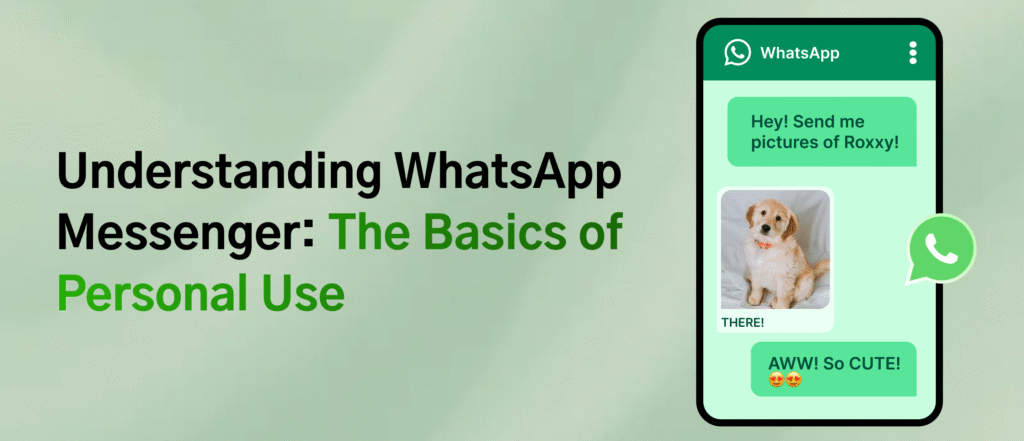
WhatsApp is the original app made for chatting with friends and family. With over 2 billion users globally, it's known for being fast, secure, and easy to use.
With WhatsApp, you can:
Send private messages
Share voice notes
Make voice or video calls
Chat in groups
It's perfect for personal conversations like staying in touch with loved ones.
But for business use, it has big limits. You can't set up auto-replies, manage messages with your team, or send messages in bulk. It only works with one number on one phone. So if you have many customers, it gets messy fast and it's very hard to grow.
WhatsApp Business App
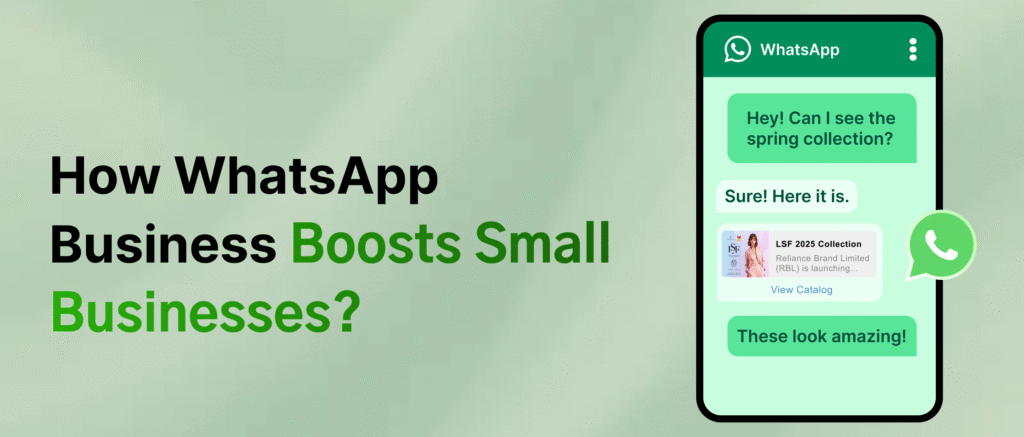
The WhatsApp Business app is made for small and medium-sized businesses. It works like the regular WhatsApp you already know but comes with extra features to help you talk to customers more easily.
With WhatsApp Business, you can:
Create a business profile with your address, opening hours, and a short description.
Use quick replies to send common messages faster.
Organize your chats with labels (like "new customer" or "order complete").
Set up auto messages to greet new contacts or reply when you're not available.
The app looks and feels like normal WhatsApp, so it's easy to use. But it still only works on one phone number and one device. That means it's best for small businesses not for big teams or companies that need to handle lots of messages.
WhatsApp Business API
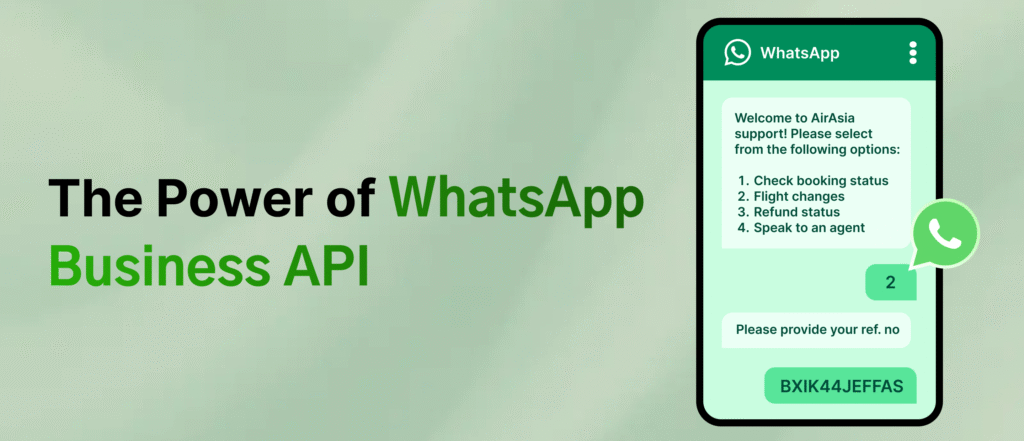
The WhatsApp Business API is for bigger businesses that need to manage a lot of chats at once. It doesn't come with its own app instead, it connects to other tools like your CRM, helpdesk software, or platforms like WhatChimp.
With the API, businesses can:
Send automatic replies.
Assign chats to different team members.
Run large-scale message campaigns.
For customers, the experience is the same messages show up in their regular WhatsApp chat. But behind the scenes, businesses have more power to organize, automate, and scale how they manage conversations. It's great for customer support, marketing, and growing engagement at a larger scale.
Key Benefits of WhatsApp Business API for Growing Businesses
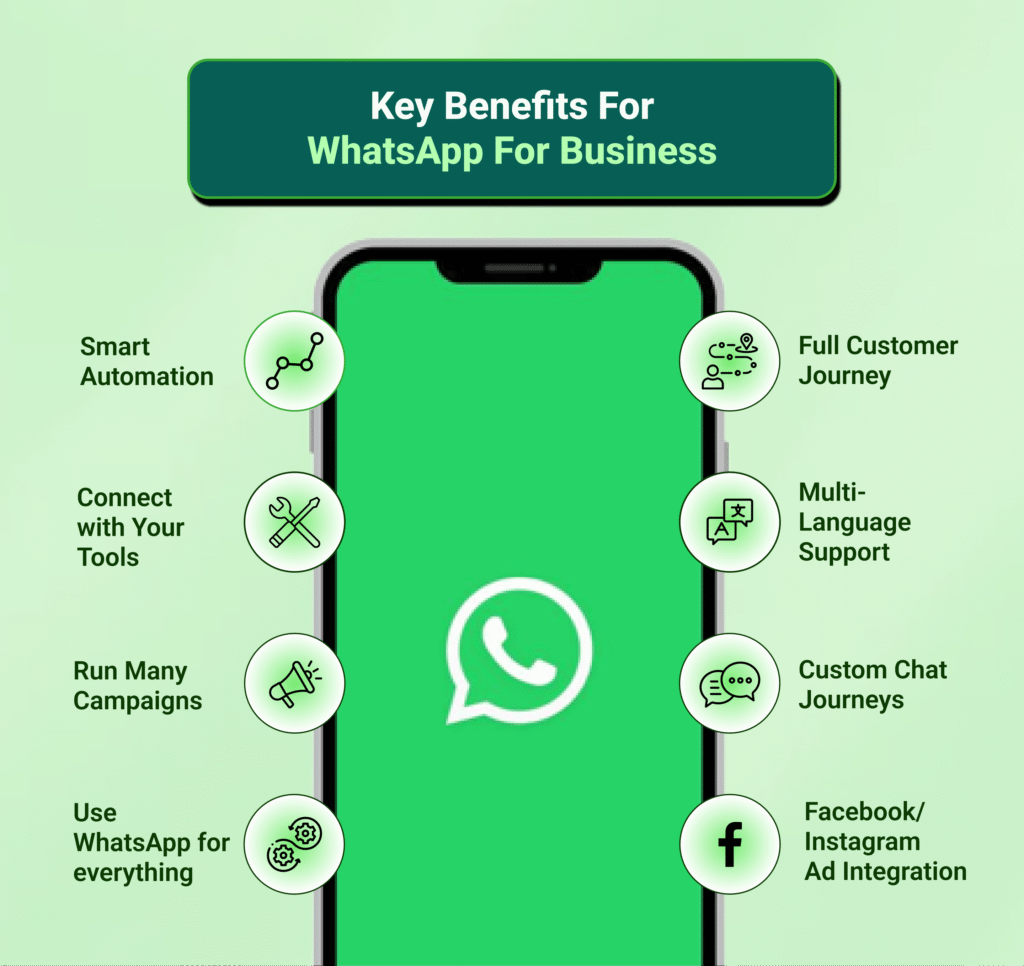
The API version helps your business grow without losing the personal touch.
Here's how it helps:
Smart Automation — Chatbots reply to customers, handle many messages at once, and send chats to the right team members. You can also detect angry customers and send them to a real person.
Custom Chat Journeys — Chatbots can help people book, buy, or ask for support all inside WhatsApp. This saves time and gives customers faster help.
Better Conversations — Send pictures, videos, buttons, documents, and catalogs not just text. This makes chats faster and more engaging.
Full Customer Journey — Use WhatsApp for everything: from getting leads to giving support after a sale. Personalize every step with automation.
Run Many Campaigns — Start multiple marketing or support chats at once. You can choose who gets what and send the right message at the right time.
Facebook/Instagram Ad Integration — Turn your ads into instant WhatsApp chats. This means more leads and quicker sales.
Connect with Your Tools — Link WhatsApp to your CRM, email, or helpdesk. Your team sees all chats in one place and works better together.
Multi-Language Support — Talk to customers in their own language with AI tools. This helps you grow in more places.
So… Which One Should You Use?
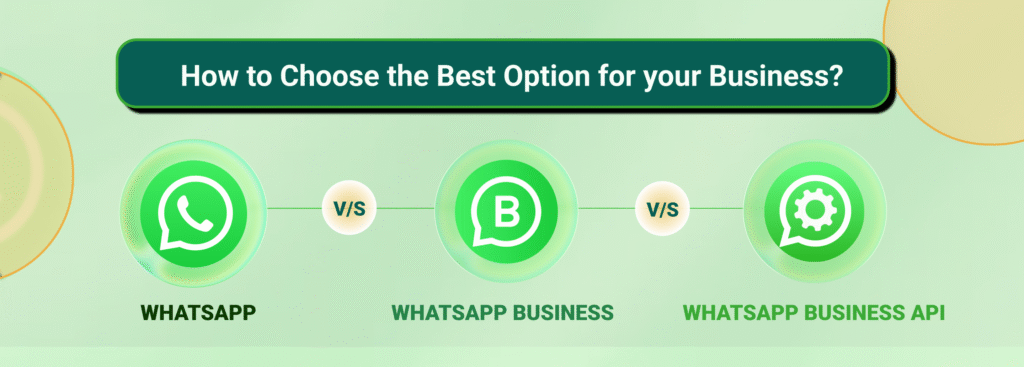
| Platform | Best For | Features | Limitations |
|---|---|---|---|
| WhatsApp Messenger | Personal use | Free, simple chats | No tools for business |
| WhatsApp Business App | Small/local businesses | Business profile, auto replies | Only one phone, limited features |
| WhatsApp Business API | Growing/large businesses | Team chat, automation, CRM link | Needs setup and approval |
WhatChimp Makes WhatsApp API Easy
Whether you're starting small or growing fast, choosing the right WhatsApp setup helps you give better service and grow faster.
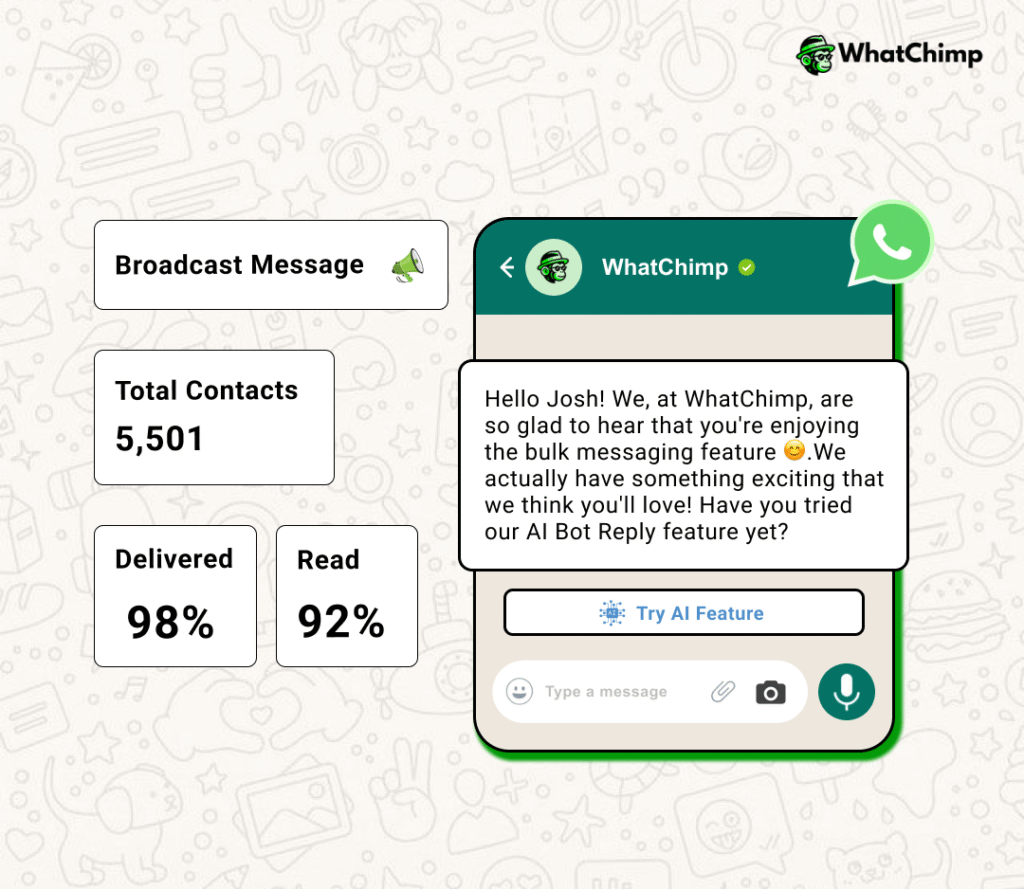
Send Bulk Campaigns
Message thousands of people in minutes. Add names, organize contacts, and get quick approval for message templates.
Automate Customer Support
Use chatbots (no coding needed) to answer common questions, collect leads, and help 24/7.
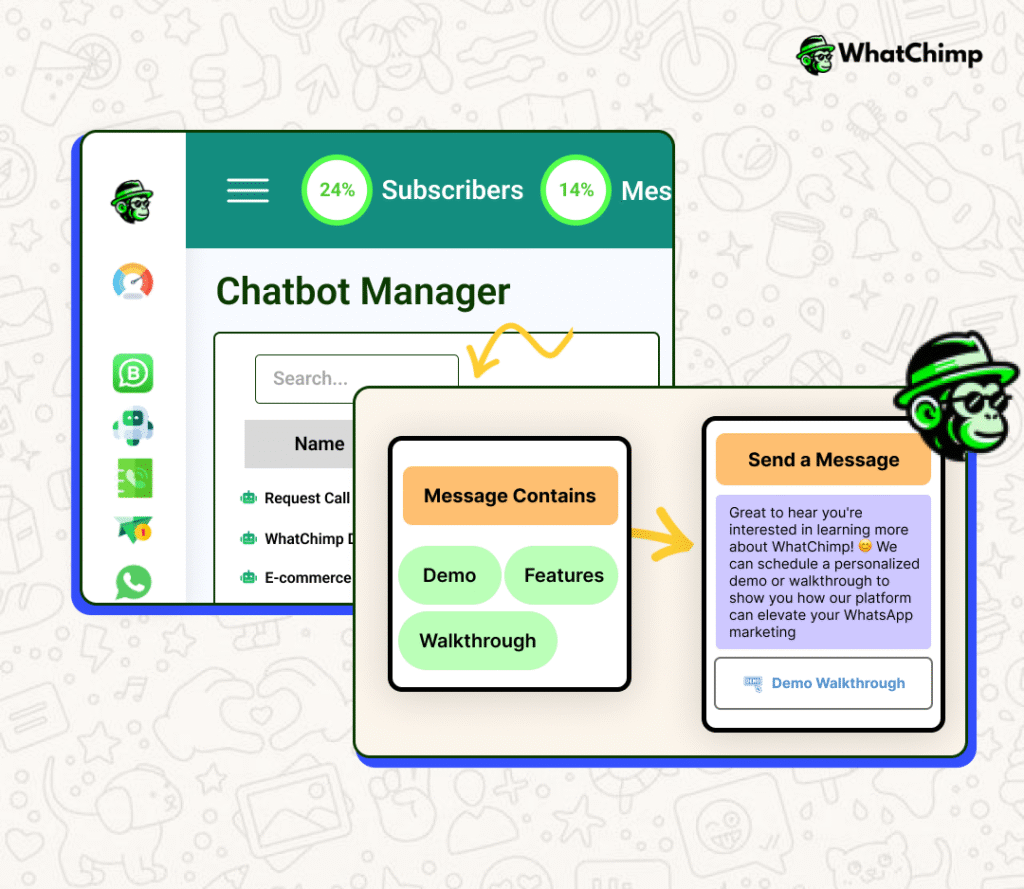
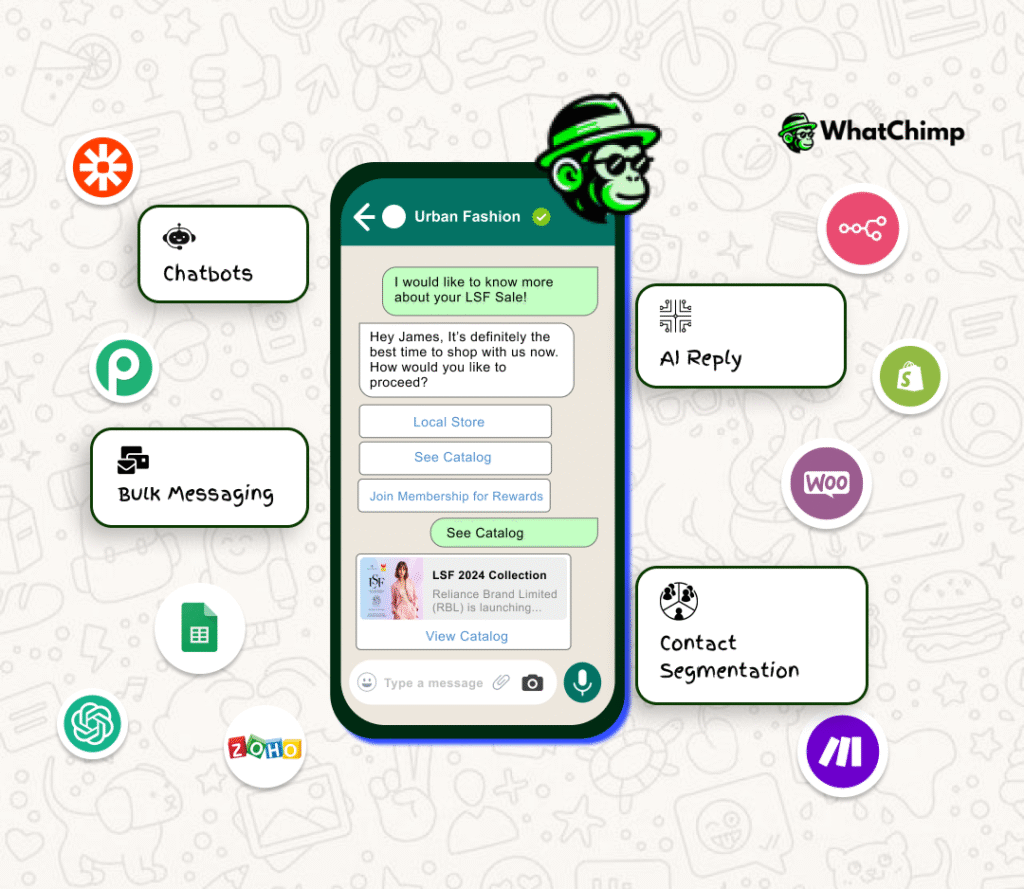
Connect with Other Tools
Link with CRMs, Shopify, WooCommerce, and more. No tech skills needed.
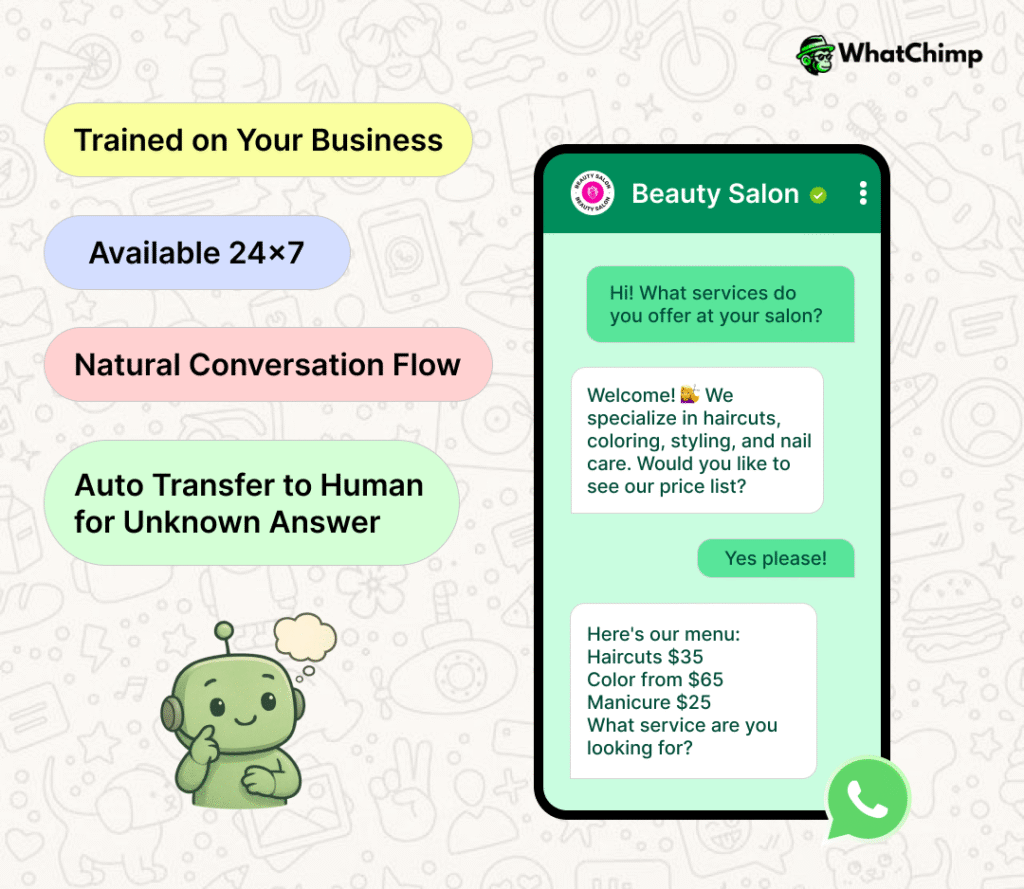
Use AI Chatbots
Train chatbots with your business info. They'll answer questions clearly and instantly.
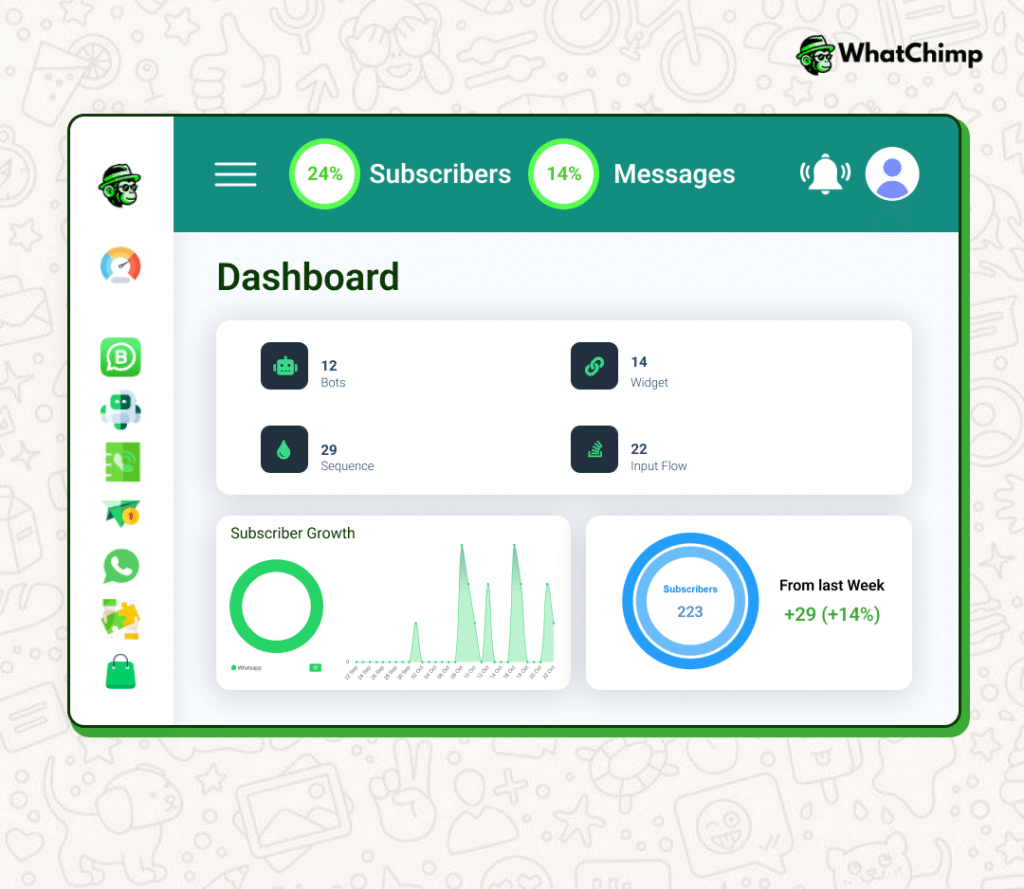
Track Results
See reports, segment your audience, and send follow up messages to get better results with less work.